
Close Menu
TechUpdateAlert

    Subscribe to Updates

    Get the latest creative news from FooBar about art, design and business.

    What's Hot

    My Health Anxiety Means I Won’t Use Apple’s or Samsung’s Smartwatches. Here’s Why

    December 22, 2025

    You can now buy the OnePlus 15 in the US and score free earbuds if you hurry

    December 22, 2025

    Today’s NYT Connections: Sports Edition Hints, Answers for Dec. 22 #455

    December 22, 2025
    Facebook X (Twitter) Instagram
    Trending
    • My Health Anxiety Means I Won’t Use Apple’s or Samsung’s Smartwatches. Here’s Why
    • You can now buy the OnePlus 15 in the US and score free earbuds if you hurry
    • Today’s NYT Connections: Sports Edition Hints, Answers for Dec. 22 #455
    • Android might finally stop making you tap twice for Wi-Fi
    • Today’s NYT Mini Crossword Answers for Dec. 22
    • Waymo’s robotaxis didn’t know what to do when a city’s traffic lights failed
    • Today’s NYT Wordle Hints, Answer and Help for Dec. 22 #1647
    • You Asked: OLED Sunlight, VHS on 4K TVs, and HDMI Control Issues
    Facebook X (Twitter) Instagram Pinterest Vimeo
    TechUpdateAlertTechUpdateAlert
    • Home
    • Gaming
    • Laptops
    • Mobile
    • Software
    • Reviews
    • AI & Tech
    • Gadgets
    • How-To
    TechUpdateAlert
    Home»Reviews»Exploring Copilot 3D: Microsoft Turns 2D Images into Stunning 3D Models with AI
    Reviews

    Exploring Copilot 3D: Microsoft Turns 2D Images into Stunning 3D Models with AI

    techupdateadminBy techupdateadminAugust 9, 2025No Comments4 Mins Read
    Share Facebook Twitter Pinterest LinkedIn Tumblr Reddit Telegram Email
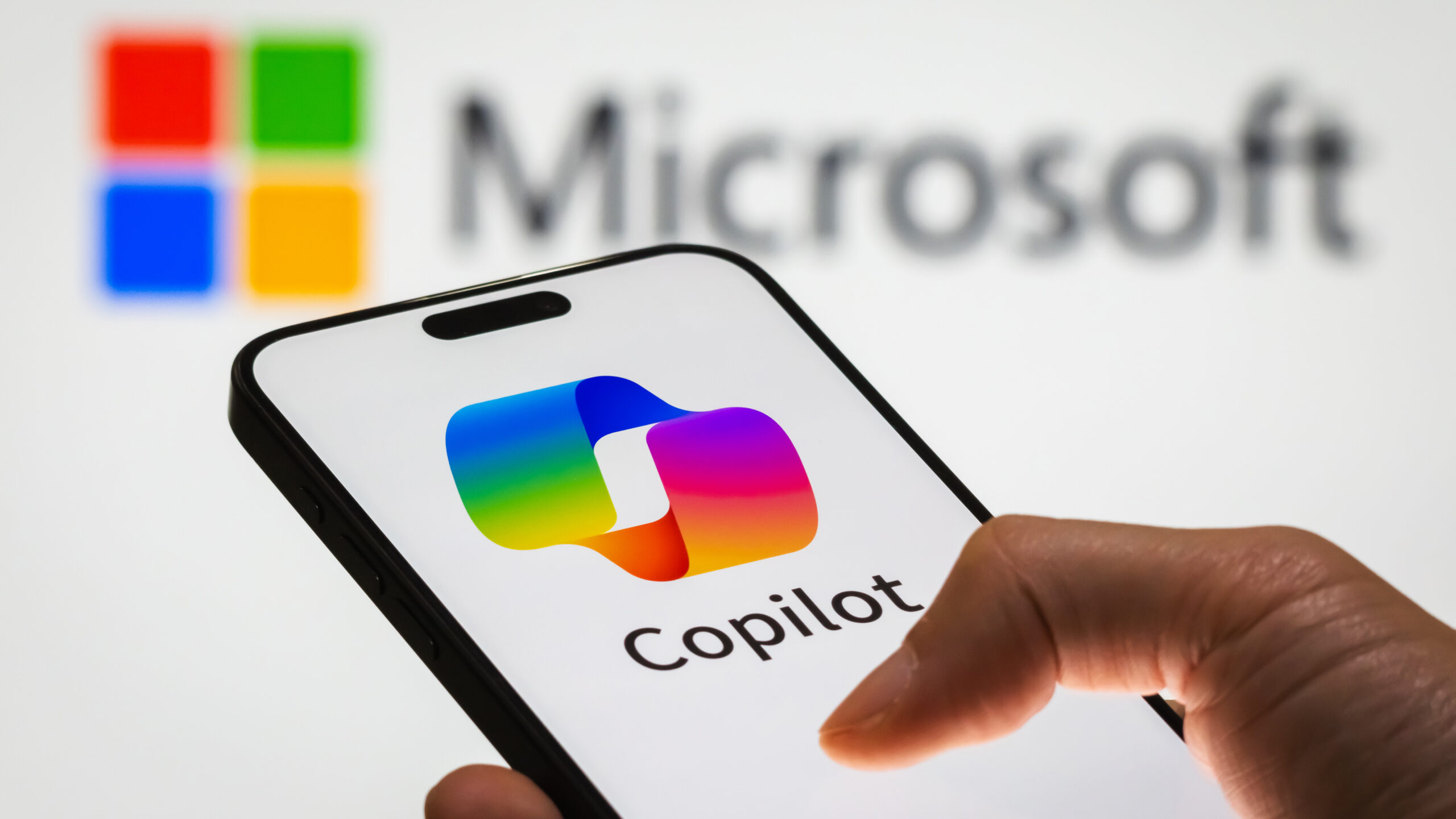
    CHONGQING, CHINA - DECEMBER 29: In this photo illustration, a person holds a smartphone displaying the logo of Microsoft Copilot, an AI-powered productivity tool, with the Microsoft logo visible in the background, representing the integration of artificial intelligence into workplace solutions, on December 29, 2024 in Chongqing, China. Artificial Intelligence (AI) has become a cornerstone of China’s strategic ambitions, with the government aiming to establish the country as a global leader in AI by 2030. (Photo illustration by Cheng Xin/Getty Images)
    Share
    Facebook Twitter LinkedIn Pinterest Email

    Microsoft Copilot has a new tool that lets you create a 3D model with only a few clicks. Copilot 3D can convert a single flat image into a 3D model that’s ready for games, animation, 3D printing, and virtual reality.

    Copilot 3D is currently limited to users who sign in with a personal Microsoft account, but it is not restricted to a specific region. I’ve played around with it throughout the day and have been impressed with the early results.

    The feature genuinely is as simple to use as Copilot suggests. You just upload an image and leave Copilot to run for a while.


    You may like

    The quality of creations can vary quite a bit, at least based on my testing. Copilot 3D seems to get confused by electronic devices with content displayed on a screen. It performed much better when asked to make a model of a Meta Quest headset (without any displays visible in the source photo).

    Image 1 of 3

    Copilot 3D created an impressive model of a Meta Quest headset considering it had just one image to work from.(Image credit: Future)

    Copilot 3D in Copilot Labs
    Copilot 3D appears to struggle with screens that show content.(Image credit: Future)

    Copilot 3D of Windows laptop
    Copilot 3D failed to generate a model of a laptop, instead focusing on the PC’s wallpaper.(Image credit: Future)

    At least for now, Copilot 3D only supports taking a 2D image and converting that picture into a 3D model. You cannot enter a text prompt to create any 3D artwork.

    The models that are created by Copilot 3D are in the GLB format, which is a widely used format for 3D content. You can edit GLB formats in several popular programs, but you’ll have to convert them to use specific tools.

    For example, you’d have to convert a GLB file into a different format to make edits in Blender.

    All the latest news, reviews, and guides for Windows and Xbox diehards.

    Source files used to generate 3D content can be JPG or PNG files that are up to 10MB. Any files you use must follow Copilot’s code of conduct, which notably restricts infringing on copyrighted material.

    I believe Copilot may actually generate 3D models based on copyrighted source material, but your account could be suspended for having it do so.

    Copilot 3D is in its early days, but it can create impressive 3D models when given specific source material. The feature should improve over time and could be a valuable addition to the toolbox of digital creators.

    What is Copilot Labs?

    Copilot Labs is an experimental program from Microsoft that allows select users to test new features. Microsoft uses Copilot Labs to refine experiences before rolling out capabilities to everyone.

    If you browse the Copilot Labs page, you’ll see shortcuts to learn more about the various features, including Copilot Vision and Copilot Actions. Think Deeper was first available through Copilot Labs, but it has since “graduated” and is a prominent feature of Copilot.

    The availability of specific Copilot Lab features depends on a few factors, such as your area. For example, Copilot Appearance can be used by a subset of users in the United States, the United Kingdom, and Canada.

    Copilot 3D doesn’t require a paid subscription and is available globally, but you need to be signed into a personal Microsoft account to use it.

    Does Copilot use GPT-5?

    Microsoft's Copilot app now features GPT-5, which launched on August 7, 2025.

    Copilot on Windows 11 now supports GPT-5, the latest model from OpenAI. (Image credit: Future | Daniel Rubino)

    Some people are likely trying Copilot today due to the app supporting the latest OpenAI model. Microsoft shared this week that GPT-5 is now available through Copilot, giving users access to the “best AI model to date.”

    To access GPT-5, you just need to use the drop-down menu within Copilot’s search box. There, you’ll see an option for “Smart,” which uses GPT-5.

    Within that same menu, you’ll see an option for “Think Deeper,” which used to be a Copilot Labs feature but is now generally available.

    While GPT-5 is more capable than its predecessors, it has received criticism. Some claim the AI assistant is less personable than previous models.

    When announcing GPT-5, OpenAI confirmed that older models will be deprecated, meaning that even if people prefer GPT-4 or other alternatives, they won’t have the option to use those models.

    Copilot Exploring Images Microsoft Models stunning turns
    Share. Facebook Twitter Pinterest LinkedIn Tumblr Email
    Previous Article“Speed is everything” – how Arm and Aston Martin’s new wind tunnel venture looks to bring in a new era of success
    Next Article The Aurora Borealis Is Back: These 18 States Have a Chance to See It Tonight
    techupdateadmin
    • Website

    Related Posts

    Gadgets

    LG forced a Copilot web app onto its TVs but will let you delete it

    December 19, 2025
    Gadgets

    This Chrome Extension Turns LinkedIn Posts About AI Into Facts About Allen Iverson

    December 19, 2025
    Mobile

    ChatGPT Images is now faster and better than ever

    December 17, 2025
    Add A Comment
    Leave A Reply Cancel Reply

    Top Posts

    NYT Strands hints and answers for Monday, August 11 (game #526)

    August 11, 202545 Views

    These 2 Cities Are Pushing Back on Data Centers. Here’s What They’re Worried About

    September 13, 202542 Views

    Today’s NYT Connections: Sports Edition Hints, Answers for Sept. 4 #346

    September 4, 202540 Views
    Stay In Touch
    • Facebook
    • YouTube
    • TikTok
    • WhatsApp
    • Twitter
    • Instagram
    Latest Reviews

    Subscribe to Updates

    Get the latest tech news from FooBar about tech, design and biz.

    Most Popular

    Best Fitbit fitness trackers and watches in 2025

    July 9, 20250 Views

    There are still 200+ Prime Day 2025 deals you can get

    July 9, 20250 Views

    The best earbuds we’ve tested for 2025

    July 9, 20250 Views
    Our Picks

    My Health Anxiety Means I Won’t Use Apple’s or Samsung’s Smartwatches. Here’s Why

    December 22, 2025

    You can now buy the OnePlus 15 in the US and score free earbuds if you hurry

    December 22, 2025

    Today’s NYT Connections: Sports Edition Hints, Answers for Dec. 22 #455

    December 22, 2025

    Subscribe to Updates

    Get the latest creative news from FooBar about art, design and business.

    Facebook X (Twitter) Instagram Pinterest
    • About Us
    • Contact us
    • Privacy Policy
    • Disclaimer
    • Terms and Conditions
    © 2026 techupdatealert. Designed by Pro.

    Type above and press Enter to search. Press Esc to cancel.