


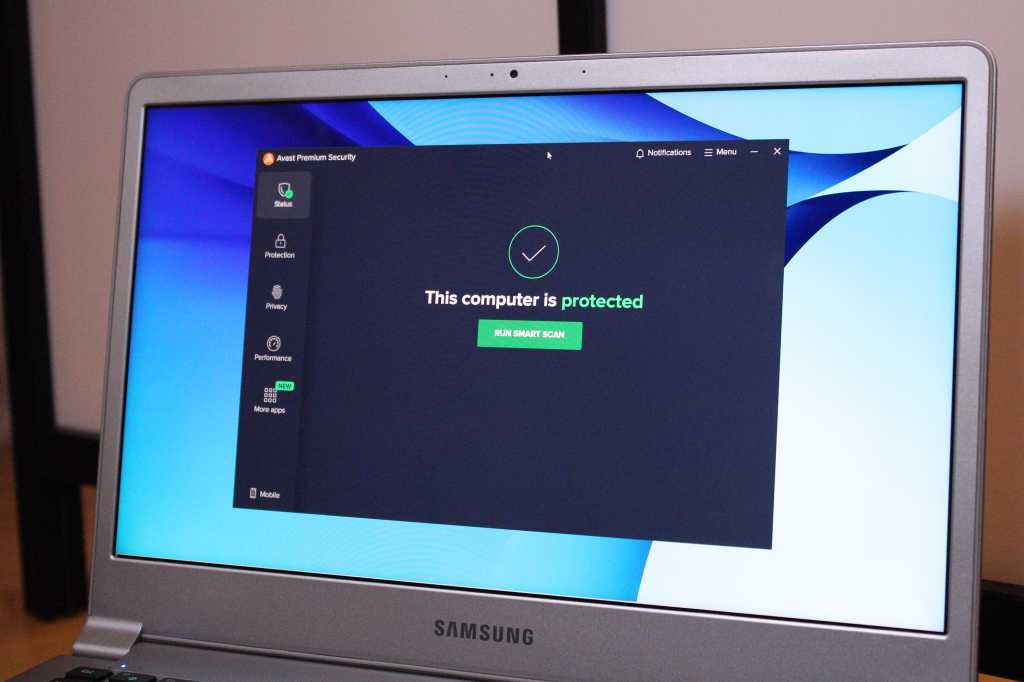
You need antivirus software. Attacks on your PC keep getting more sophisticated, thanks to the help of AI. Even the tech-savvy and cautious can get tricked into exposing themselves to malware, spyware, ransomware, or a phishing attack. Antivirus protection is an essential backup against such threats.
Windows computers come with security software baked into the OS, but for some folks, an upgrade can help demystify and simplify security. To help you choose a good suite, we’ve identified products that offer excellent protection, worthwhile features, and minimal performance impact on your computer.
How we test antivirus software
Our approach to testing antivirus software is multi-pronged—we look not just at how well the suite catches malware and other threats (though that’s certainly a top factor), but other elements as well.
First, we spend some time in the interface, to determine if it’s simple or complex to use. Ideally, it should take just a click or two to find vital tools like PC scanning, and also the password manager and VPN (if included). Elements that are clickable should be clear, too. And alerts should make sense; you should both understand the info and they should be relevant to what you’re doing.
We also look at the available features. Reputable antivirus suites should include basics like real-time protection and deeper scans. Better subscription plans will also add on a password manager or a firewall. Overall, we try to figure out if the extras are helpful, or just another marketing bullet point.
To evaluate how hard an antivirus app will hit your PC’s system resources, we run several benchmarks. The first is PCMark 10’s Extended test, which simulates various workloads, including editing documents, web browsing, video chatting, and light gaming. Second is UL Procyon, focusing on document editing in Microsoft Office apps—e.g., Word, Excel, PowerPoint. Then, as the most punishing test, we run Handbrake to transcode a large video into a smaller one. This encoding task often utilizes 100 percent of the CPU on many home PCs.
When performing benchmarks, we first run all three tests on our Windows 11 PC before installing the antivirus suite under review. Then we install the app and run the benchmarks again, as an approximation of how the app behaves while running in the background. Finally, we open the software and fire up full scans continuously while running each benchmark again. Afterward, we compare the scores to look for any decline, and note the amount.
Currently, the laptop we use for testing is an Acer Aspire 3 15 with an AMD Ryzen 5 7520U, 8GB RAM, and a 512GB SSD. We use a clean install of Windows 11 when testing each security suite.
For calculating an antivirus suite’s detection abilities, we rely on the testing of dedicated security researchers. Most often, we look at reports from organizations like AV Comparatives and AV Test.
We also evaluate pricing for each subscription, as well as the features you get for the price.
Generally, we do the bulk of our testing using free trials to understand what customers will actually see. Any review codes provided by companies are used to take clean screenshots for the review (i.e. free of reminders to upgrade or buy).
For even more details about our review process (and the philosophy behind why we test as we do), you can also read our full explanation about our antivirus testing practices.
Why you should trust PCWorld for antivirus reviews
PCWorld has been deep in the trenches of testing computer hardware, software, and services since 1983—including security suites. As users of PC hardware and software, we run all products through rigorous testing, with plenty of hands-on evaluation and benchmarks (when the later is applicable). We don’t recommend gear or apps we wouldn’t use ourselves.
Who curated this article?
Alaina Yee is PCWorld’s security editor, with over 15 years of consumer tech journalism experience spanning PC hardware, software, and online security coverage.
You should take other considerations into account, too. A lot has changed since the early days of antivirus software. Security suites now come packed with extras like a backup service for essential files, mobile apps for Android and iOS, advanced firewall features, content restriction and GPS location for family members, and the ability to install the app on multiple computers. Access to a VPN and a password manager have become more common, too. Your budget and personal situation will dictate if you need these additional features.
If you’re looking to go beyond the basics, our baseline recommendation is to find a suite that comes with a firewall, supports enough devices to cover what you own, and (if you don’t already have separate services set up) access to a password manager and VPN. Not sure if you need all that? Our guides on security suite features, password managers, and VPNs can help you decide.
