



ChatGPT is rapidly changing the world. The process is already happening, and it’s only going to accelerate as the technology improves, as more people gain access to it, and as more learn how to use it.
What’s shocking is just how many tasks ChatGPT is already capable of managing for you. While the naysayers may still look down their noses at the potential of AI assistants, I’ve been using it to handle all kinds of menial tasks for me. Here are my favorite examples.
Write your emails for you
Dave Parrack / Foundry
We’ve all been faced with the tricky task of writing an email—whether personal or professional—but not knowing quite how to word it. ChatGPT can do the heavy lifting for you, penning the (hopefully) perfect email based on whatever information you feed it.
Let’s assume the email you need to write is of a professional nature, and wording it poorly could negatively affect your career. By directing ChatGPT to write the email with a particular structure, content, and tone of voice, you can give yourself a huge head start.
A winning tip for this is to never accept ChatGPT’s first attempt. Always read through it and look for areas of improvement, then request tweaks to ensure you get the best possible email. You can (and should) also rewrite the email in your own voice. Learn more about how ChatGPT coached my colleague to write better emails.
Generate itineraries and schedules
Dave Parrack / Foundry
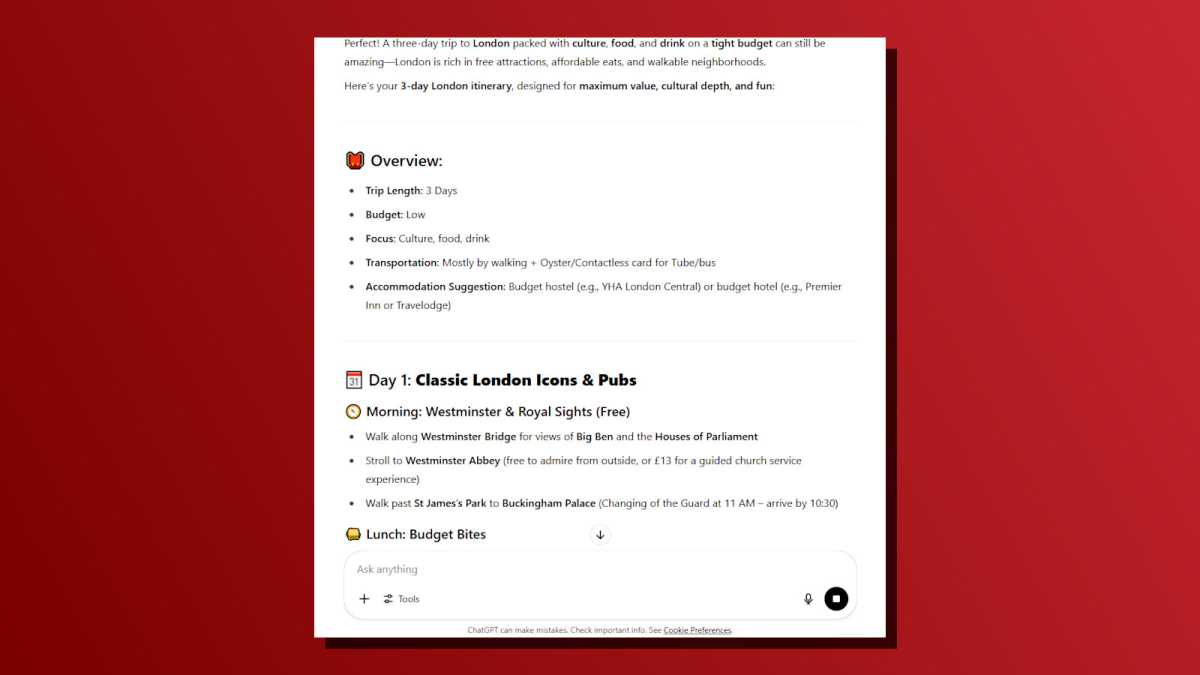
If you’re going on a trip but you’re the type of person who hates planning trips, then you should utilize ChatGPT’s ability to generate trip itineraries. The results can be customized to the nth degree depending on how much detail and instruction you’re willing to provide.
As someone who likes to get away at least once a year but also wants to make the most of every trip, leaning on ChatGPT for an itinerary is essential for me. I’ll provide the location and the kinds of things I want to see and do, then let it handle the rest. Instead of spending days researching everything myself, ChatGPT does 80 percent of it for me.
As with all of these tasks, you don’t need to accept ChatGPT’s first effort. Use different prompts to force the AI chatbot to shape the itinerary closer to what you want. You’d be surprised at how many cool ideas you’ll encounter this way—simply nix the ones you don’t like.
Break down difficult concepts
Dave Parrack / Foundry
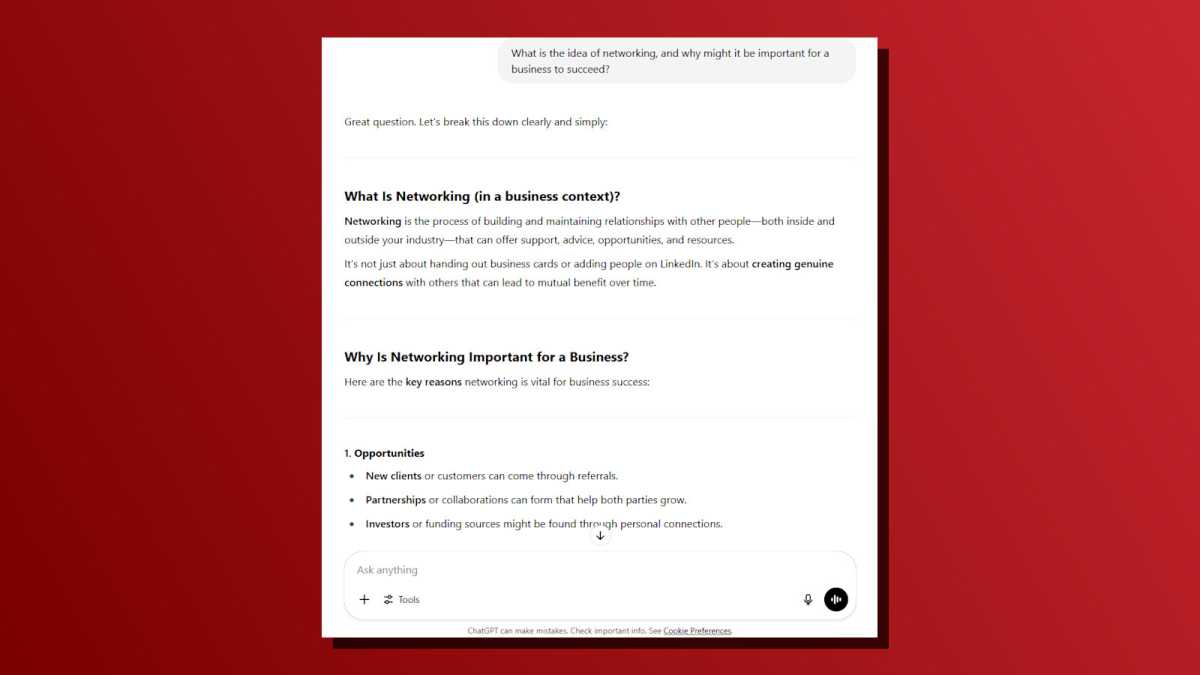
One of the best tasks to assign to ChatGPT is the explanation of difficult concepts. Ask ChatGPT to explain any concept you can think of and it will deliver more often than not. You can tailor the level of explanation you need, and even have it include visual elements.
Let’s say, for example, that a higher-up at work regularly lectures everyone about the importance of networking. But maybe they never go into detail about what they mean, just constantly pushing the why without explaining the what. Well, just ask ChatGPT to explain networking!
Okay, most of us know what “networking” is and the concept isn’t very hard to grasp. But you can do this with anything. Ask ChatGPT to explain augmented reality, multi-threaded processing, blockchain, large language models, what have you. It will provide you with a clear and simple breakdown, maybe even with analogies and images.
Analyze and make tough decisions
Dave Parrack / Foundry
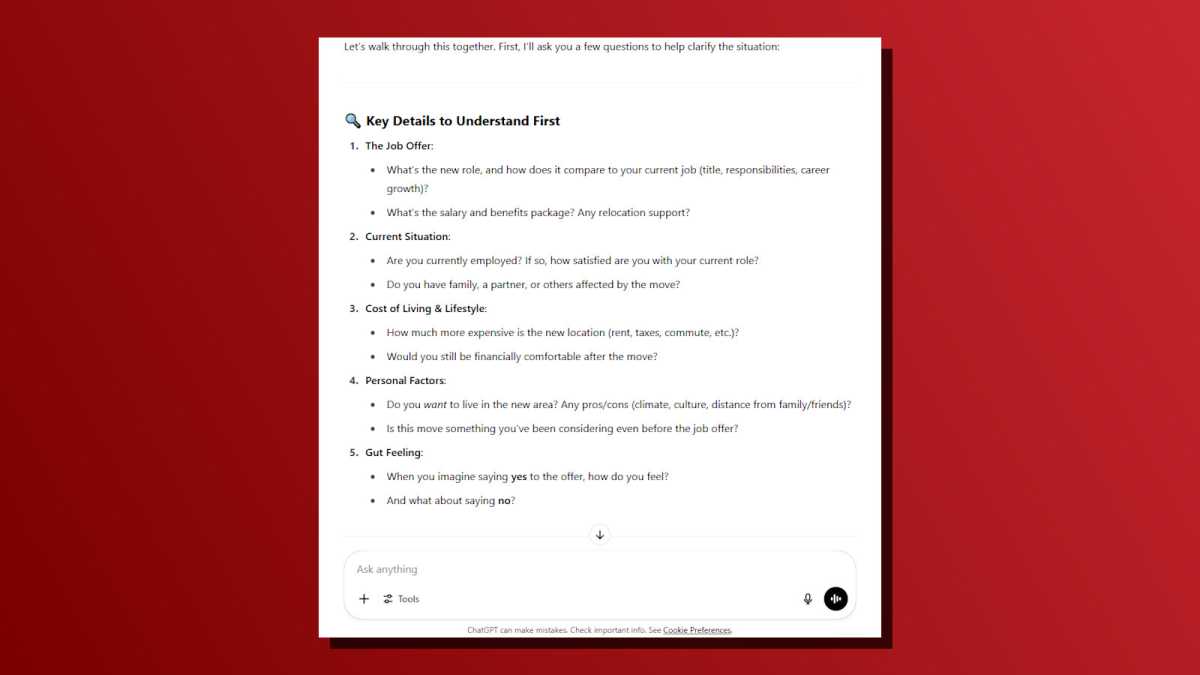
We all face tough decisions every so often. The next time you find yourself wrestling with a particularly tough one—and you just can’t decide one way or the other—try asking ChatGPT for guidance and advice.
It may sound strange to trust any kind of decision to artificial intelligence, let alone an important one that has you stumped, but doing so actually makes a lot of sense. While human judgment can be clouded by emotions, AI can set that aside and prioritize logic.
It should go without saying: you don’t have to accept ChatGPT’s answers. Use the AI to weigh the pros and cons, to help you understand what’s most important to you, and to suggest a direction. Who knows? If you find yourself not liking the answer given, that in itself might clarify what you actually want—and the right answer for you. This is the kind of stuff ChatGPT can do to improve your life.
Plan complex projects and strategies

Dave Parrack / Foundry
Most jobs come with some level of project planning and management. Even I, as a freelance writer, need to plan tasks to get projects completed on time. And that’s where ChatGPT can prove invaluable, breaking projects up into smaller, more manageable parts.
ChatGPT needs to know the nature of the project, the end goal, any constraints you may have, and what you have done so far. With that information, it can then break the project up with a step-by-step plan, and break it down further into phases (if required).
If ChatGPT doesn’t initially split your project up in a way that suits you, try again. Change up the prompts and make the AI chatbot tune in to exactly what you’re looking for. It takes a bit of back and forth, but it can shorten your planning time from hours to mere minutes.
Compile research notes
Dave Parrack / Foundry
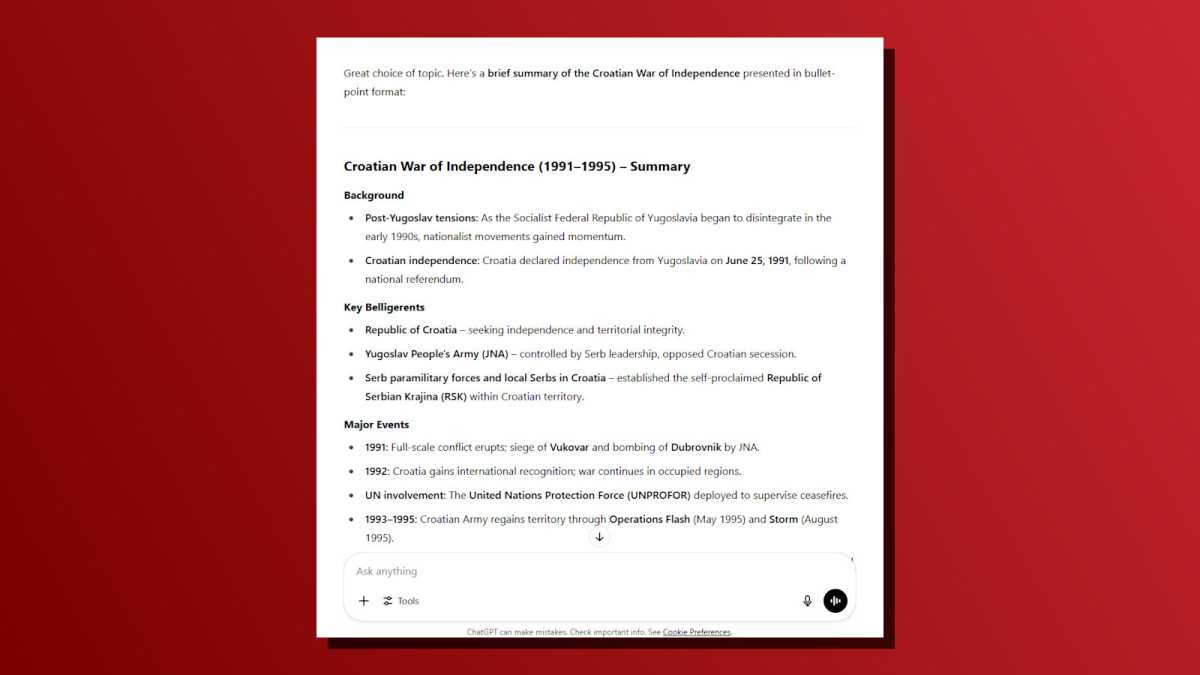
If you need to research a given topic of interest, ChatGPT can save you the hassle of compiling that research. For example, ahead of a trip to Croatia, I wanted to know more about the Croatian War of Independence, so I asked ChatGPT to provide me with a brief summary of the conflict with bullet points to help me understand how it happened.
After absorbing all that information, I asked ChatGPT to add a timeline of the major events, further helping me to understand how the conflict played out. ChatGPT then offered to provide me with battle maps and/or summaries, plus profiles of the main players.
You can go even deeper with ChatGPT’s Deep Research feature, which is now available to free users, up to 5 Deep Research tasks per month. With Deep Research, ChatGPT conducts multi-step research to generate comprehensive reports (with citations!) based on large amounts of information across the internet. A Deep Research task can take up to 30 minutes to complete, but it’ll save you hours or even days.
Summarize articles, meetings, and more
Dave Parrack / Foundry
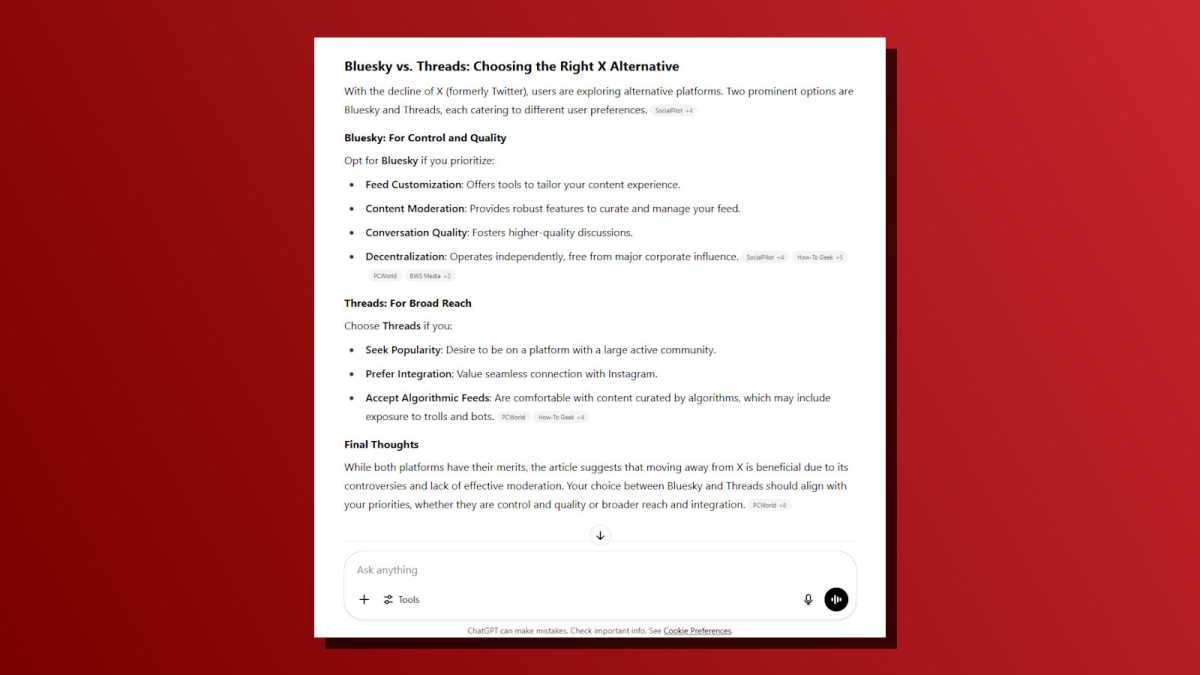
There are only so many hours in the day, yet so many new articles published on the web day in and day out. When you come across extra-long reads, it can be helpful to run them through ChatGPT for a quick summary. Then, if the summary is lacking in any way, you can go back and plow through the article proper.
As an example, I ran one of my own PCWorld articles (where I compared Bluesky and Threads as alternatives to X) through ChatGPT, which provided a brief summary of my points and broke down the best X alternative based on my reasons given. Interestingly, it also pulled elements from other articles. (Hmph.) If you don’t want that, you can tell ChatGPT to limit its summary to the contents of the link.
This is a great trick to use for other long-form, text-heavy content that you just don’t have the time to crunch through. Think transcripts for interviews, lectures, videos, and Zoom meetings. The only caveat is to never share private details with ChatGPT, like company-specific data that’s protected by NDAs and the like.
Create Q&A flashcards for learning
Dave Parrack / Foundry
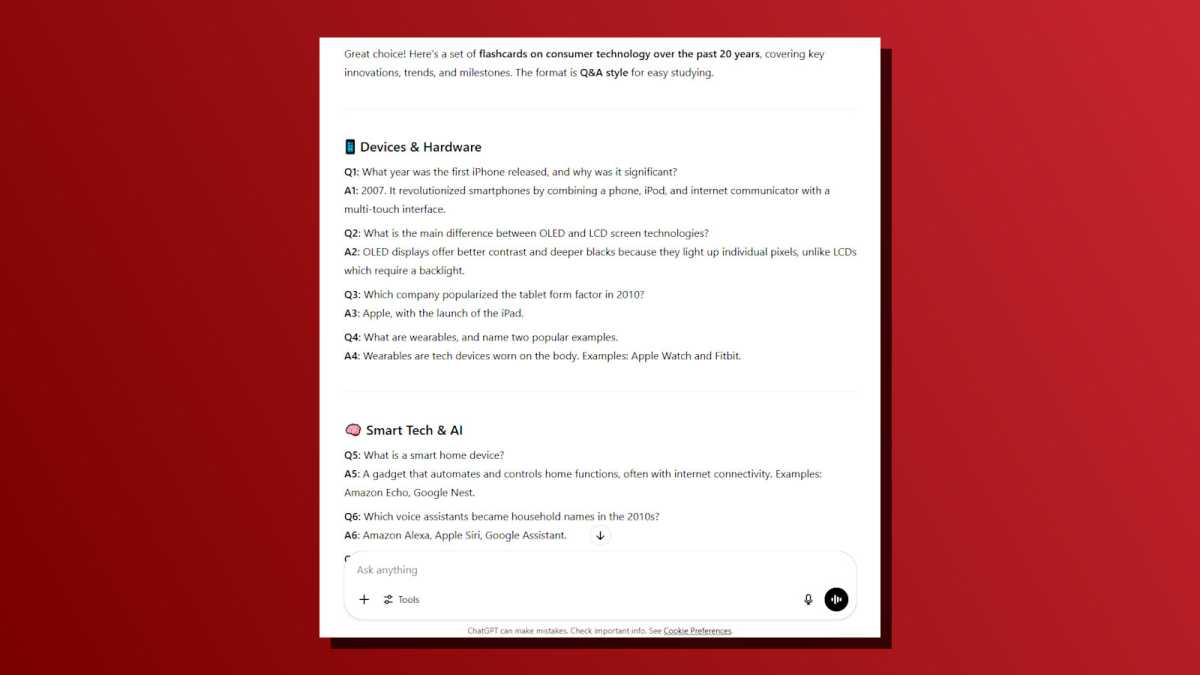
Flashcards can be extremely useful for drilling a lot of information into your brain, such as when studying for an exam, onboarding in a new role, prepping for an interview, etc. And with ChatGPT, you no longer have to painstakingly create those flashcards yourself. All you have to do is tell the AI the details of what you’re studying.
You can specify the format (such as Q&A or multiple choice), as well as various other elements. You can also choose to keep things broad or target specific sub-topics or concepts you want to focus on. You can even upload your own notes for ChatGPT to reference. You can also use Google’s NotebookLM app in a similar way.
Provide interview practice
Dave Parrack / Foundry
Whether you’re a first-time jobseeker or have plenty of experience under your belt, it’s always a good idea to practice for your interviews when making career moves. Years ago, you might’ve had to ask a friend or family member to act as your mock interviewer. These days, ChatGPT can do it for you—and do it more effectively.
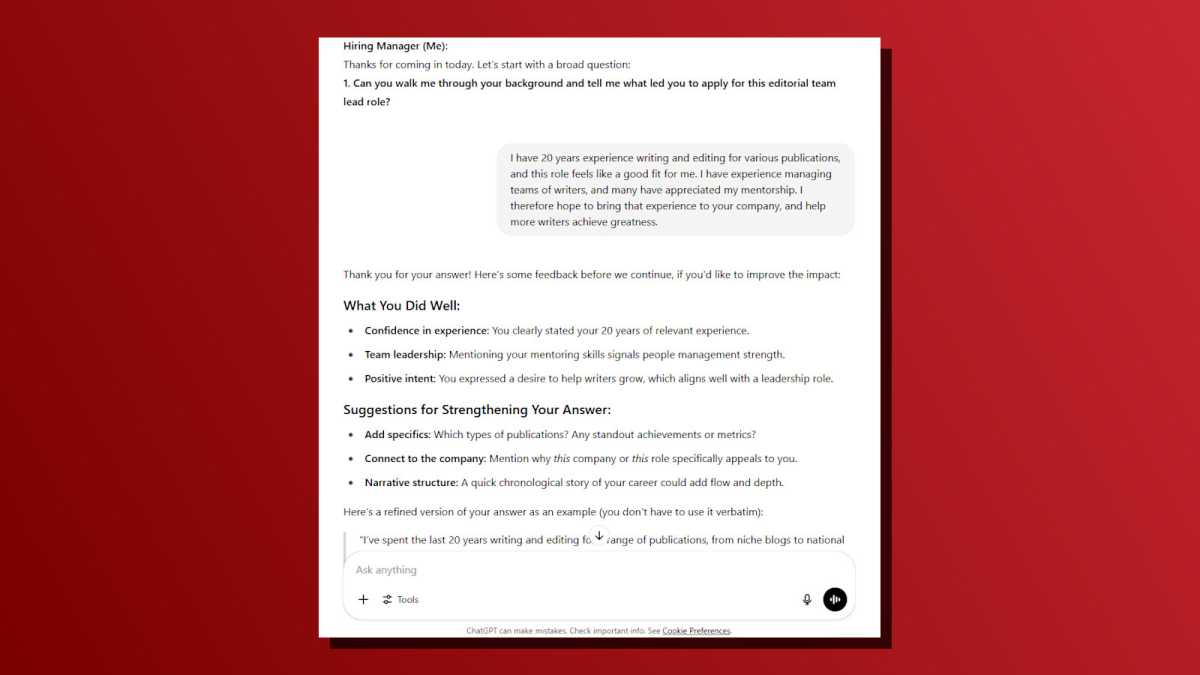
Inform ChatGPT of the job title, industry, and level of position you’re interviewing for, what kind of interview it’ll be (e.g., screener, technical assessment, group/panel, one-on-one with CEO), and anything else you want it to take into consideration. ChatGPT will then conduct a mock interview with you, providing feedback along the way.
When I tried this out myself, I was shocked by how capable ChatGPT can be at pretending to be a human in this context. And the feedback it provides for each answer you give is invaluable for knocking off your rough edges and improving your chances of success when you’re interviewed by a real hiring manager.
Further reading: 9 creative ways to use ChatGPT that you probably haven’t tried yet
