


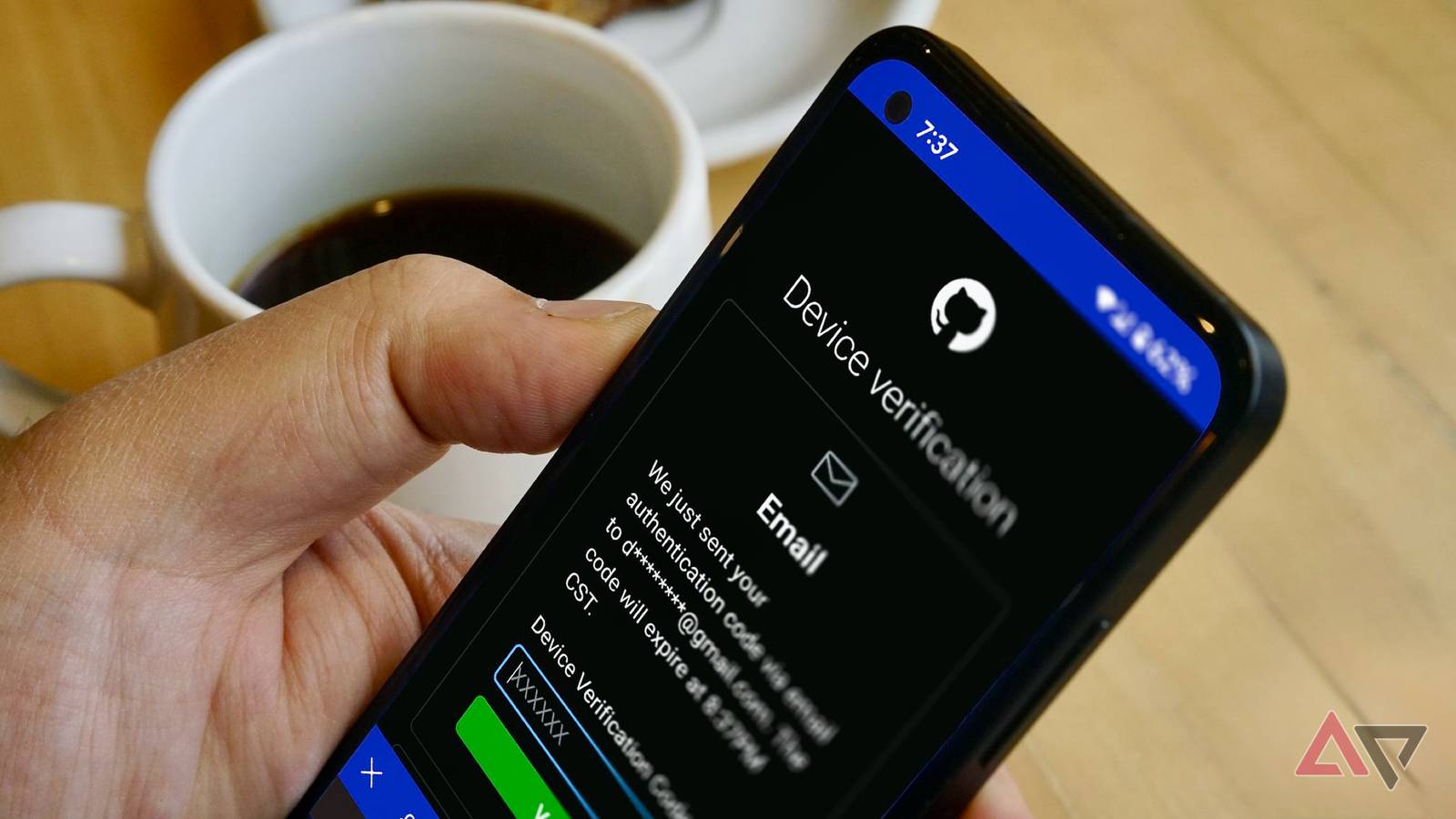
Two-factor authentication (2FA) is supposed to be an extra security measure for your digital assets. You’ll prove that you’re really you before you access an account.
The irony is that attackers can weaponize it. They design fake 2FA prompts to look legitimate and trick you into compromising your login verification. Tiredness and distractions may push you to do it if you’re not careful.
Even if you are looking, you can’t always tell if there is malicious intent by looking at the codes on your mobile device. The numbers appear randomly, whether they’re real or not.
However, you can spot them from the surrounding situation. Here’s how.
6
Strange codes suddenly appear
A real 2FA prompt should only appear when you’re logging in. Hackers know that, and they also know you’re not always alert to question strange codes. They may push at your weak points with multi-factor authentication fatigue.
The term borrows from psychology. It suggests that people are mentally worn down when something repeats too often.
In this case, your notifications. Hackers will flood your device with codes. They may come one after another, or sometimes, every few seconds.
The constant buzzing becomes irritating, and you’ll accidentally grant approval to stop it. Other times, you’ll receive codes at odd hours while your sense of judgment is foggy.
If you ever get an unexpected 2FA prompt from your Google account, deny it immediately. Then change your password because someone may already have it.
5
Consent screens ask for too much
OAuth phishing doesn’t always resemble a 2FA request, but it’s similar in effect.
Normally, the latter sends you a code or push prompts. The former shows you a consent screen. You’ll see a pop-up page when you sign in to a service. It asks for permission to access parts of your account.
It’s usually harmless. A note-taking app might ask for access to Google Drive, so that it can save files there. But a phishy app or website wants broader data. For example, your email, contacts, messages, and files.
You’ll know something’s wrong when the consent request doesn’t match what you were trying to do.
If you simply wanted to log in and see a pop-up asking for permission to read your entire email inbox or manage your files, that’s a red flag. Slow down and read the permissions before granting them.
4
You see unfamiliar devices and location alerts
Google sends a 2FA notification when you log in from a new device or location. You’ll see the device type and region.
You may be signed in on your phone in New York, but the prompt says that it’s from Chrome on Windows in Berlin. It’s a sign of suspicious activity.
Sometimes the location shown might be a nearby city due to your network. But big mismatches are what you should worry about.
Scammers also mimic these prompts with a Google 2FA copycat. Tapping Don’t allow redirects you to a fake page asking for a password reset.
Ignore the notification entirely. It won’t automatically approve the login for the attacker. 2FA systems require your action and expire when you do nothing.
Your next action should be opening a trusted browser or the official Google app. Then go to Google.com and enter Security Settings. Change your password from there and review account activity.
3
You see inconsistencies in app or website logins
You may have already interacted with a phishing notification or link. It’ll redirect you to a look-alike site. You’ll see sloppy mistakes if you monitor them closely.
Since attackers don’t actually have access to the real company’s servers and authentication flows, they’ll fake it from the outside.
The address bar might have misspellings. For example, goggle.com instead of google.com.
Plus, if it’s missing a padlock icon, it doesn’t use HTTPS encryption. The connection between your device and the website’s server is unencrypted and unverified by a trusted certificate authority.
Also, watch out for odd capital letters, bad grammar, and strange branding. Check if logos appear blurry or pixelated, and that colors or layouts match the company’s regular style.
2
You receive convincing company calls
No company will ever call, text, or email you asking for your 2FA code.
They already know what it is because their system generated it in the first place. There’s no reason for them to ask you for its repetition, even if they claim it’s for security reasons.
The only exception is when you request a robot verification call or text during login.
The automated system may flash your line or deliver the figures, and you’ll type them in yourself. If it’s a live person or an unprompted message asking instead, it’s always a scam.
Worse, they may try to scare you into acting fast with threats of account closure.
However, account closures or suspensions come with formal notices in your dashboard, emails from official domains. They even give plenty of time to resolve issues.
Even if caller IDs look like they’re authentic, remember that numbers can be spoofed.
Always contact your bank or other services directly. Better still, go and report suspicious activity physically.
1
You notice unusual SIM behavior
A SIM swap is not a likely everyday attack. But you shouldn’t rule out the possibility. Criminals tend to target people with something to gain. They’ll go for bank accounts, crypto wallets, or even your large social media followings.
Yet anyone’s number can be hijacked if an attacker convinces a carrier to transfer it.
They’ll impersonate you while contacting your carrier with stolen personal details. They’ll probably claim to have lost their phone or need help recovering a compromised account.
If the carrier employee buys the act, your number gets ported to the attacker’s SIM card, and your 2FA codes become theirs.
Sometimes, your line is active, but 2FA codes never reach you because they’re being diverted. In worse cases, you’ll stop receiving calls or texts and your phone loses service.
Stronger security starts with cleaner accounts
2FA does a lot to keep you safe. But it works best when the rest of your account is tidy too. That means knowing all connected devices and checking for old logins you may have forgotten about.
If you’ve been seeing the aforementioned signs frequently, you need to take action. Every extra device or service connected to your account is another backdoor for an attacker to slip in. Take a few minutes to review and clean it.
It’s best if you switch your method to an authenticator app or a physical key instead of SMS.
Apps like Google Authenticator or Microsoft Authenticator generate one-time codes directly on your device using a shared secret key and the current time.
Because the code is created locally, an attacker can’t intercept it the way they might with a text message.
You could also try Authy, which syncs your code securely across devices, or hardware keys like YubiKey, which require a physical tap to confirm logins.
