


It’s been a few months since I started using Starlink for home internet. And apart from some minor flaws and complaints—like weak upload speeds and the occasional global service outage—I have to admit it’s generally better than I expected it to be.
One of the best things about Starlink is how normal it feels. Once you get it set up, it behaves just like regular internet: it’s fast, effective, and perfectly suitable for gaming and other latency-sensitive tasks.
No, Starlink isn’t right for everyone. But it is good for what it is! In fact, here are some of the ways I find it even better than conventional home broadband internet (including ADSL, cable, and fiber).
Starlink is available just about everywhere
Jon Martindale / Foundry, Starlink
While I might look enviously upon the upload (and download) speeds of my fiber-powered friends and colleagues, it’s not like everyone truly has multi-gigabit home internet. Indeed, outside most major cities, getting even gigabit fiber can be something of a challenge.
If all you have access to is older-style cable or fiber broadband—or even ADSL over copper telephone lines—then Starlink’s performance is going to blow that away… and Starlink is just about everywhere. If your local internet options suck, then it can be mighty tempting.
Okay, okay, Starlink technically isn’t available everywhere. But just take a look at Starlink’s US availability map. It’s ubiquitous! Across the entirety of the Americas, there are only a handful of countries where it isn’t available. (The reasons why are complex and beyond the scope of this article.) Starlink, by its satellite nature, is widely available because it doesn’t require much local infrastructure. It’s just you, your dishy, and the thousands of low-orbiting satellites that you connect to.
For standard home internet, where you are dictates what kinds of internet service you can get. Not so with Starlink. As long as you aren’t living in Russia, China, Afghanistan, or North Korea, you’ve got Starlink now (or will get it at some point).
Starlink goes with you when you move
Moving to another house? No problem. Just take your Starlink dish and router with you. You’ll need to update your address on your Starlink account so it’s all above board, but other than that you can maintain the same service package at the same price with no interruptions.
Compare that to cable or fiber internet, which tend to lock you into contracts with termination fees (depending on how predatory your ISP is) and usually require you to return your equipment. You then need to sign up for another internet service at your next home.
I love the hassle-free convenience of Starlink. I can just plug everything in, wait for the dish to connect to the satellite network, and I’m immediately online and ready to go. That means I don’t have to wait for service to be re-established or new hardware setup kits to arrive.
Starlink is faster than some broadband
Jon Martindale / Foundry, Speedtest
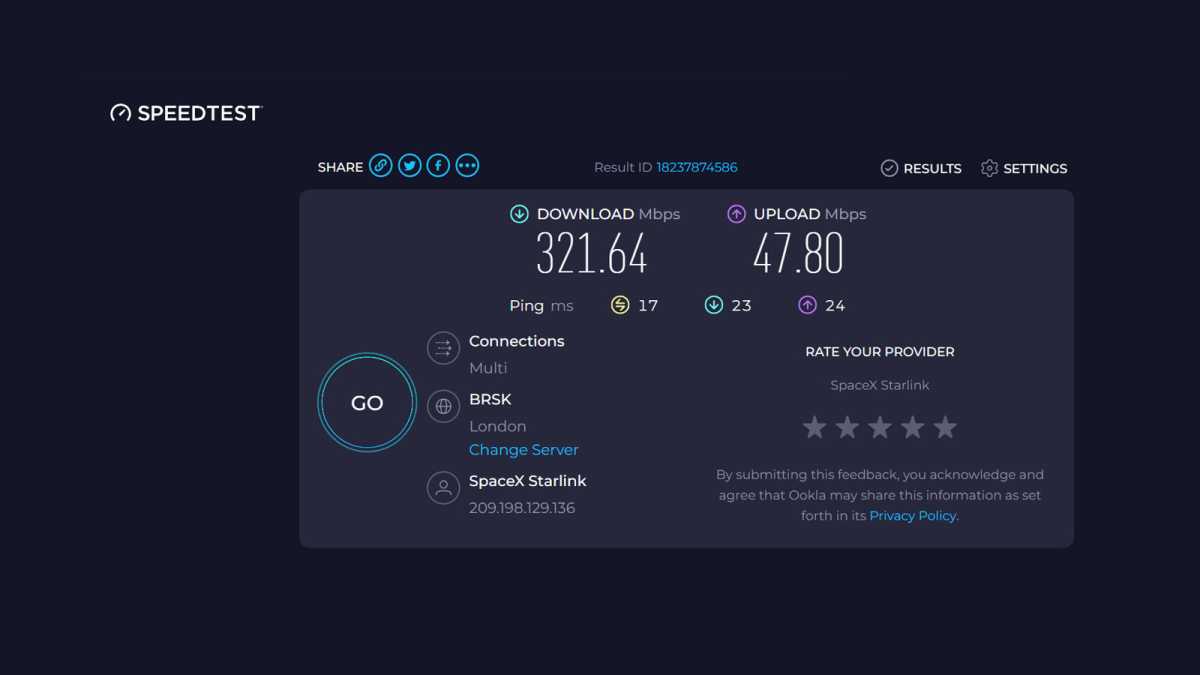
Getting Starlink was a big speed boost for me. I went from an average speed of 65 Mbps with fiber to about 150 Mbps with Starlink. It’s even better during off-peak hours, as I’m able to hit 300 Mbps later in the evening and have even gotten close to 400 Mbps a few times.
Although that’s still a far cry from gigabit fiber—not to mention multi-gigabit options in some major cities—it’s faster than low-tier broadband plans that cost about the same, or costs less than similar-speed broadband plans. (Your mileage may vary based on where you live, and gigabit internet may not even be worth it for you.) Furthermore, Starlink’s latency is better than other satellite internet options, making it more suitable for online games and video calls.
Upload speeds do leave me wanting, though, capping out at around 45 Mbps (with an average of about 20 Mbps at the time of writing). That’s plenty for day-to-day use, but it does take a bit longer when I do stuff like uploading the odd video now and again. I can deal with that.
You can use Starlink while on the go
For me, Starlink is a home internet solution. But for others, Starlink is high-speed internet wherever they go… and they really do go places.
Check out any of the Reddit communities dedicated to remote living—think van life enthusiasts, house boaters, sailors, anyone who works in remote locations like oil rigs—and you’ll see they’re all using Starlink to get online and enjoy high-speed internet wherever they happen to be. I’ve even seen people strap Starlink to their cars just so the kids have great internet speeds on long drives and trips.
Of course, Starlink’s Roaming packages are more expensive than its Residential plans on a per-gigabyte basis, and you’re capped in ways that the standard residential and business options aren’t. But for people who want to live a remote, nomadic lifestyle or need to travel often for work, Starlink is a unique solution that works fantastically well at delivering high-speed internet (almost) anywhere and everywhere.
Starlink isn’t vulnerable to local outages
Jon Martindale / Foundry
Has your home internet ever gone down because a local substation blew or because someone cut through a buried fiber cable while renovating their yard? That simply can’t happen with Starlink.
Sure, you have a cable that runs from your Starlink router (inside) to your Starlink dish (outside), but unless someone cuts that—there’s no way someone’s doing that by accident—you’re pretty much safe.
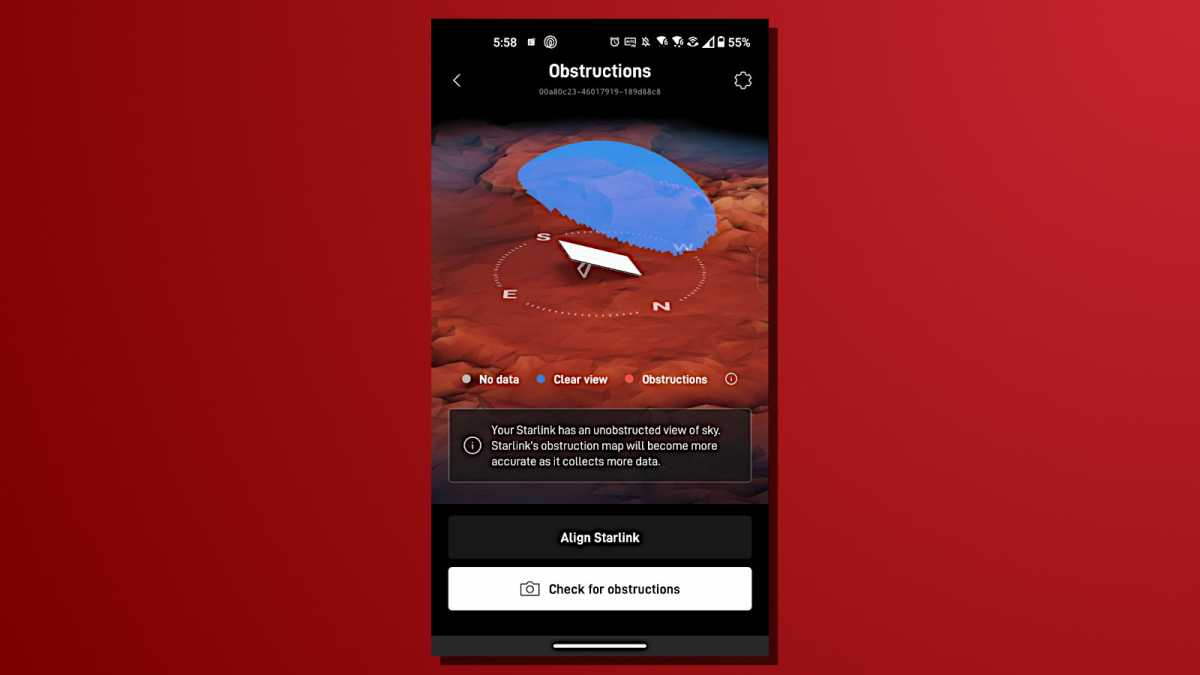
That isn’t to say Starlink doesn’t have its own issues. When I first signed up, I was immediately hit by Starlink’s first major global outage in a long time. I’ve also experienced a few other spotty occasions since then, usually because a tree branch leaned in front of my dish or inclement weather got in the way of my satellite view.
But on the whole? Starlink is surprisingly reliable and isn’t susceptible to the kinds of outages that most home internet users face.
Starlink’s router is actually pretty good
Jon Martindale / Foundry
Some internet service providers send out legitimately good routers and modems with their internet service packages, but many don’t—especially when you’re on a cheaper plan. (Learn more about choosing a good router and getting started with it.)
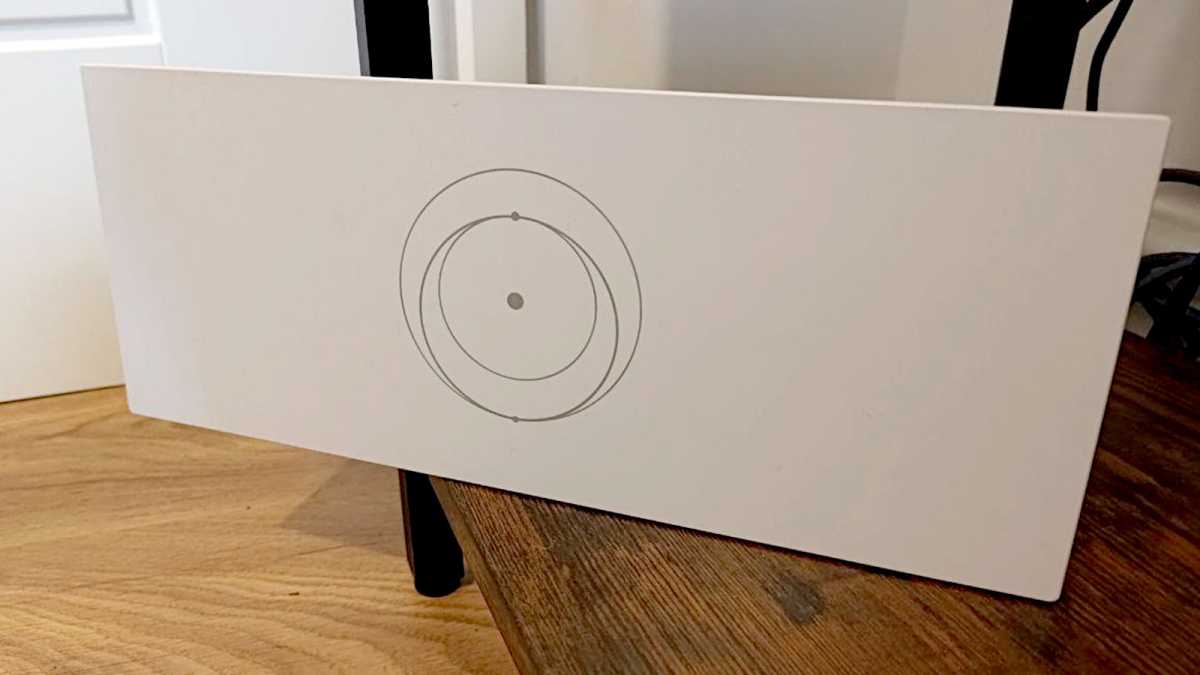
Although Starlink is very much not a cheap internet solution and absolutely should ship with a decent router, I’m pleased to report the one you get is indeed solid. Not excellent—and certainly worth replacing if you’re a power user—but if you’re just looking for a capable Wi-Fi 6 router to go with your fancy new space internet, it’s good.
I have Starlink’s third-generation router and it’s plenty fast for most modern devices. Although it’s missing the newer Wi-Fi 6E and Wi-Fi 7 protocols, I’m okay with that because I don’t have any cutting-edge devices that could even take advantage of it. My Starlink router is tri-band, giving me plenty of network space for hundreds of devices.
The router also comes with a pair of Gigabit Ethernet ports, and the Wi-Fi range is capped at 3,200 square feet. That’s enough for all but the largest of homes, although some walls and obstructions can get in the way, and the lack of external antennas can make it harder to orient for a better signal. But for most apartments and open homes, it should be plenty. Need more range? It supports mesh networking, and Starlink sells cost-effective nodes for expanding your network if needed.
Further reading: I spent $24 to future-proof my home Wi-Fi forever
