


Everyone knows what a password is. But we can’t say the same for two-factor authentication or passkeys, which is a shame because these two security features dramatically boost the safety of your online accounts.
Using both is actually your best bet, but when to use one over the other can be confusing. If you don’t know much about 2FA or passkeys or you’re unsure which is better, this guide should clear that right up.
What is 2FA?
Two-factor authentication is a second layer of security you add to an account—think of it like another deadbolt on a door. In order to successfully log in, you must verify yourself a second time.
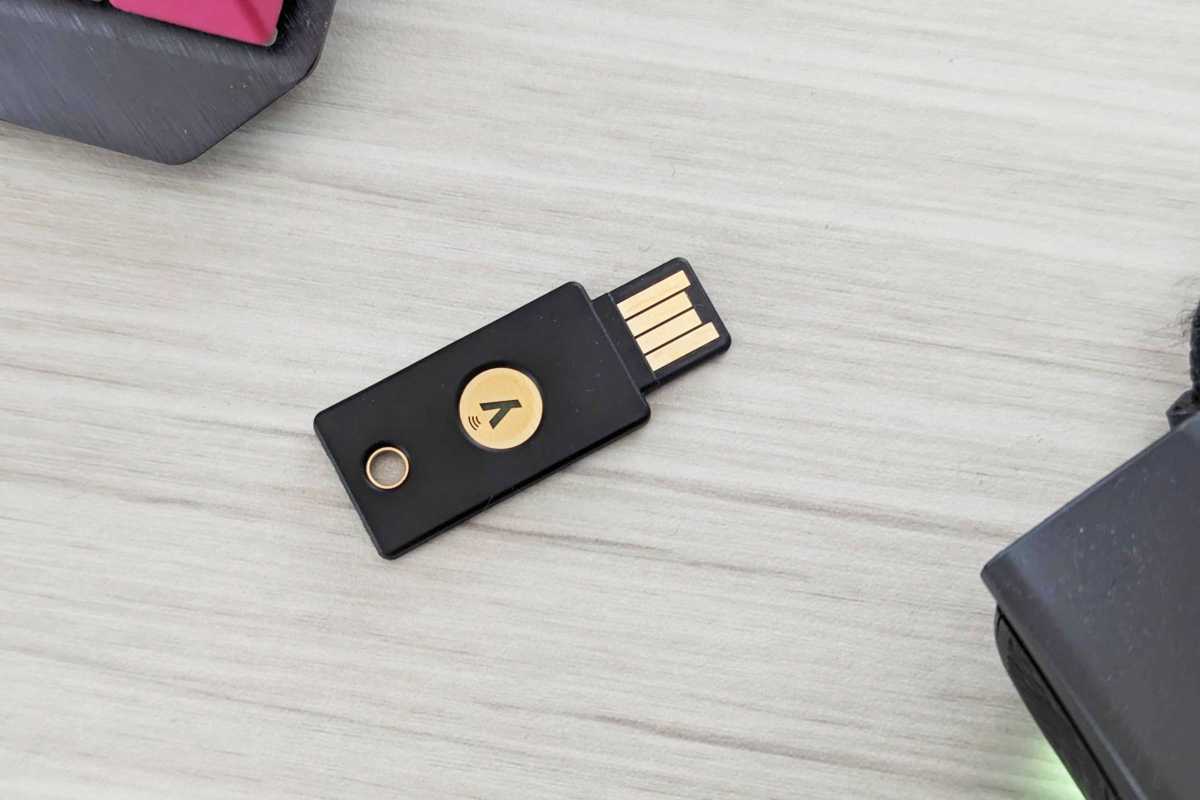
Traditionally, a password (your first “factor”) is something you know. Your second “factor” is something you have (like a phone or a security key) or something you are (like a fingerprint). Two-factor authentication methods include one-time-use codes sent via text message or generated by an app, push notifications via phone app, and a hardware security key (e.g., a YubiKey).
Alaina Yee / Foundry
Not all forms of 2FA are equally secure. Text message codes are the weakest due to the security weaknesses of SMS and mobile phone line porting. (For example, text messages can be intercepted via SS7 attacks, while a SIM jack can steal your phone number from under your nose.) Hardware security keys are the strongest. An attacker would need physical access to the dongle to use it.
What is a passkey?
A passkey is actually a set of encryption keys used for account authentication. It’s a form of asymmetric encryption (aka public-key cryptography) based on the WebAuthn standard. Creating a passkey generates a unique public-private key pair, bound to the device and website it was made for. The website stores the public key. You keep the private key, which always remains secret—though part of the authentication process, it’s never directly shared. It can’t be derived from the public key, either.
You can store a passkey in several ways. For more convenience, save them to a cloud-based password manager. Such a service can be the one built-in to your Google or Microsoft account, or an independent company like Bitwarden or Dashlane. For greater security, save them to a specific device like your Windows PC (not your Microsoft account) or a hardware security key.
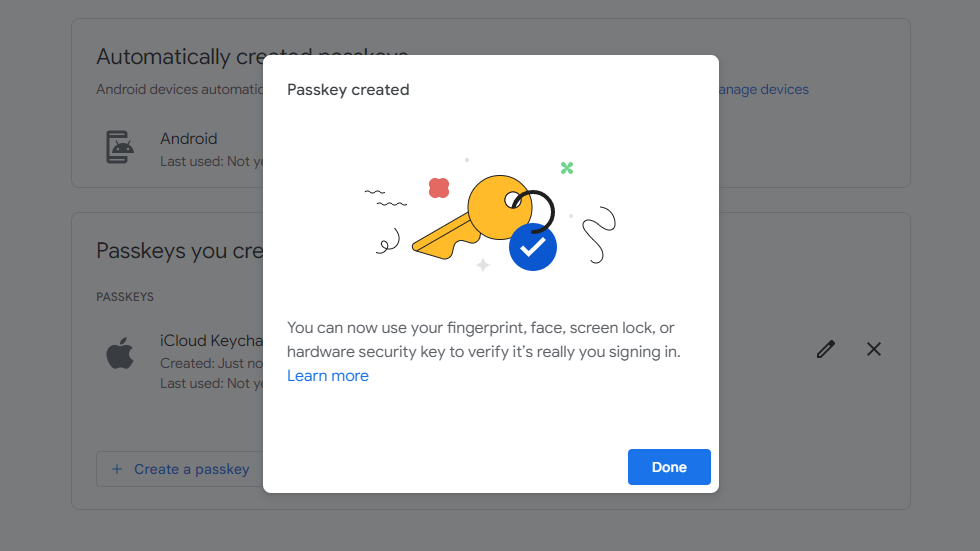
PCWorld
You can create more than one passkey per account. Though each is unique, they still serve as backups for one another—in the sense that if you lose one, you can still log in with a different one. Making more than one passkey to store on different devices is smart, because you can lose a phone or security key, or have your laptop stolen. And recently, the group behind passkeys (the FIDO Alliance) enabled support for passkey transfers—so if supported by your password managers, you can move between ecosystems or services with little hassle.
(Currently, only a handful of password managers support passkey portability, with Apple as the biggest participant. But the list continues to expand.)
To use a passkey, you must first initiate an authentication request on the site you’re logging into. (Basically, choose the option for signing in with a passkey.) Then you’ll use biometrics like your fingerprint or a PIN to authorize use of your passkey. Security experts consider biometrics more secure, but privacy experts advise a PIN in certain circumstances. (For example, in the United States, the government cannot compel you to share a PIN, but biometric data is not protected in the same way.)
So, which is better?
Fun fact about passkeys and 2FA—they’re not mutually exclusive! A website or app can choose to allow you to enable 2FA in addition to a passkey for login. However, you won’t find this combination much at all, at least for now. (Amazon is the only major website I’ve seen that still asks for 2FA codes after using a passkey.)
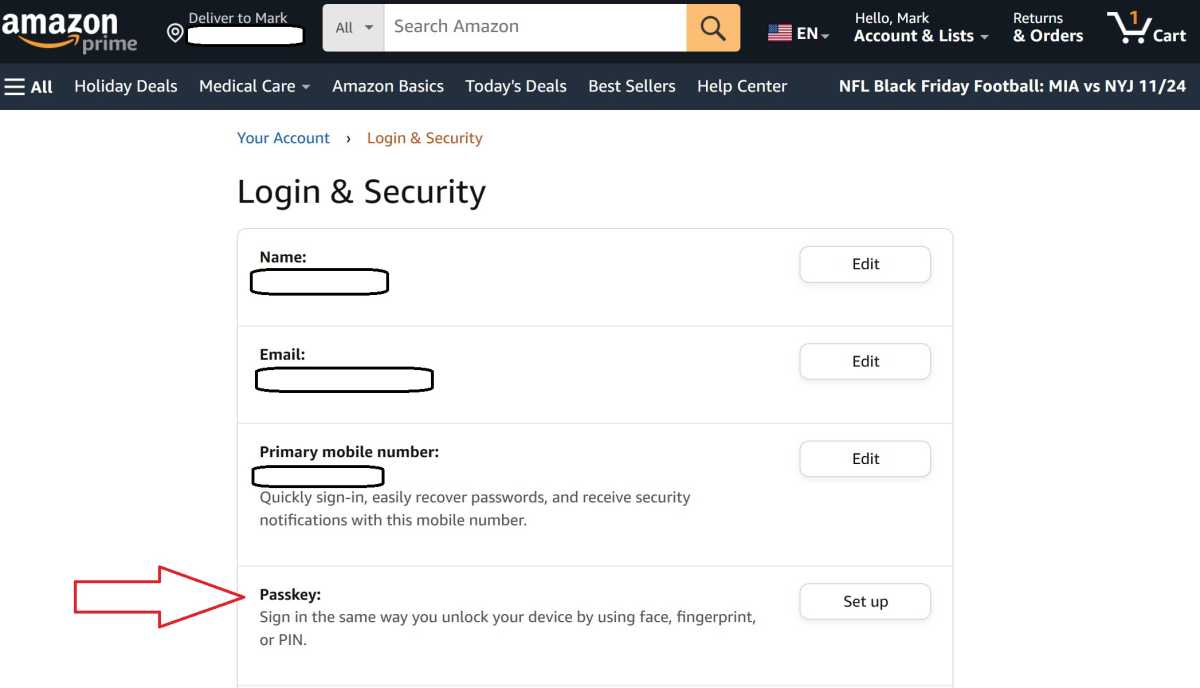
Mark Hachman / IDG
Why? A passkey is inherently more secure than a password, since it can’t be stolen or easily shared like passwords. It also blends both information you have (a private cryptography key) and something you are or know (either biometrics or a PIN). Two-factor authentication becomes less necessary to protect against phishing, credential stuffing, and other common attacks that rely on weak or compromised passwords.
So our showdown here is more about when best to use one or the either—if you even get the choice.
2FA vs Passkeys: Convenience
You can make 2FA pretty seamless — my favorite trick for this is to use a hardware security key and leave it plugged into your PC. Any time you need to authenticate for 2FA, you just touch the key.
Meanwhile, a passkey works across all devices without extra setup or purchases, assuming you’re signed up for a free cloud storage service. A Microsoft account will be the most seamless way to get started for PC users, but a Google, Apple, or even Bitwarden account works great too.
Ultimately, what’s best for you will be based on personal preference. But for most people, the win goes to passkeys for how cheap (free!) and easy they are to set up and use.
Winner: Passkeys
2FA vs Passkey: Security
First, so we don’t lose sight of the big picture—any form of two-factor authentication is better than no 2FA.
That said, 2FA is only as secure as the method you choose. As mentioned above, text messages (SMS) have exploitable weaknesses. Push notifications are a little better, but they too can be compromised by hackers. If a bad actor knows your password, they can try an MFA fatigue attacks to get into your account—that is, spamming you with successful password use, hoping you accidentally approve a 2FA push notification request during the deluge.
I recommend starting with app-generated one-time codes, since they cannot be easily compromised or attacked. But they’re still vulnerable to phishing attacks, where an attacker can steal your 2FA code after you input it into a fake website they control. (This very kind of attack managed to trip up a security guru earlier this year.)
The strongest method of 2FA is a hardware security token, which requires human touch to work—and are encrypted in a way not easily compromised. An attacker would need physical access to use such a security key.
Meanwhile, for passkeys, its pair of encryption keys are theoretically not crackable by today’s computers. However, storing them in a cloud-based password manager does run a theoretical risk. If that account becomes compromised, your passkeys could be used across the web by the attacker—or ported to another service you don’t control.
So in my opinion, this head-to-head works out to a draw. Both of these methods greatly improve security in their own ways, but cannot be compared directly. Also, not all websites support both two-factor authentication and passkeys, so you may not have a choice. I think of these more as complementary security options, rather than head-to-head competitors.
That said, if you don’t use strong passwords and will also realistically never turn on 2FA, then passkeys win every time.
Winner: Draw
2FA vs Passkey: Price
Passkeys are free. The ways you store them may not be. (Maybe you like hardware security keys best.)
Many forms of 2FA are free, too. But again, how you approach them could require extra devices. For example, I know individuals who maintain a second cheap cell phone line, used exclusively for 2FA text codes. (Some banks don’t offer other methods of 2FA.) They never share the number, so it can’t be associated with them publicly, and thus minimizes the risk of a successful SIM jacking attack.
But paying to use either is optional, even if you don’t own a smartphone.
My take? For each person, the winner of this comes down to what forms of 2FA are available to you, your take on security versus convenience, and the supported security features of the websites and apps you use. Plus, how paranoid you are about losing your primary and secondary forms of 2FA or the device(s) with passkeys stored on them.
But broadly speaking, I think it’s a draw—convenience and security will play bigger roles in which one you choose.
Winner: Draw
